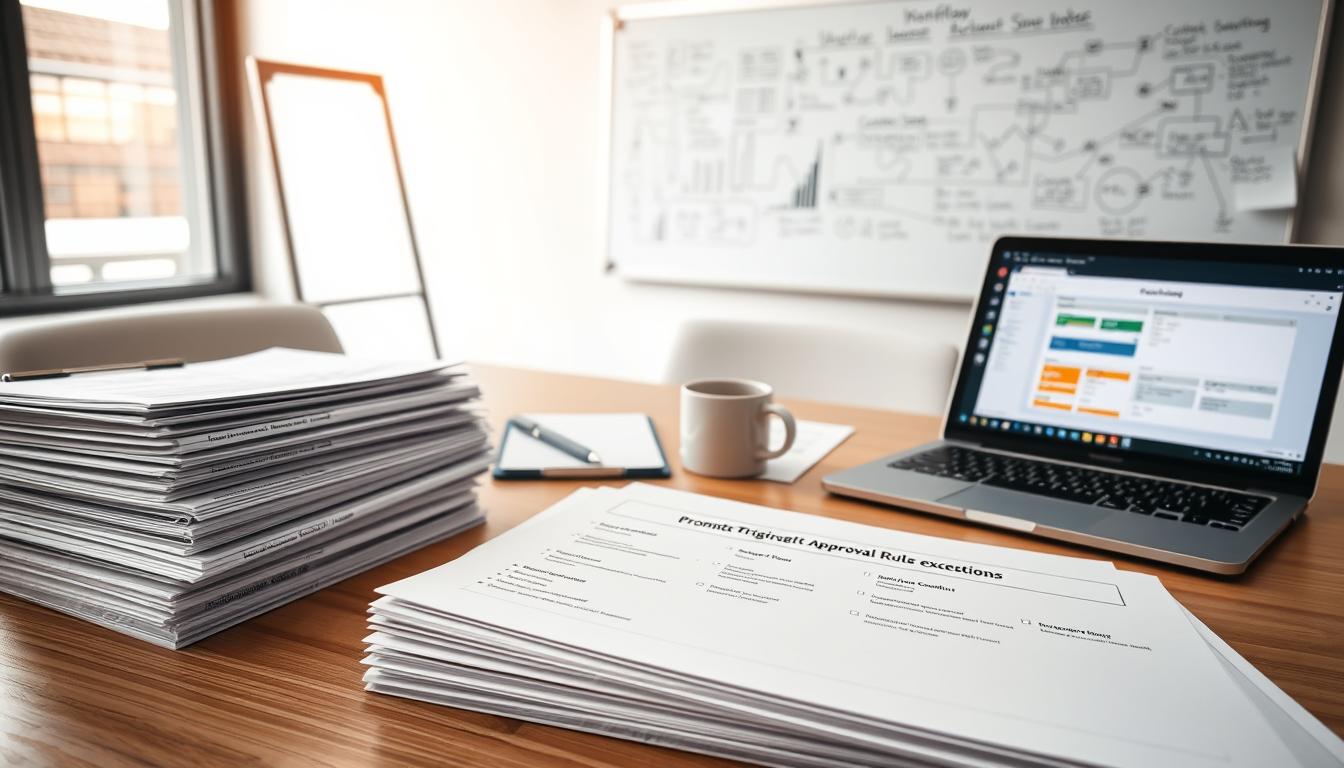
Efficient meetings start with a clear agenda. Use templates and speaker labels to keep topics and participants organized. This approach makes taking meeting notes faster and more accurate.
Modern tools like Loom Meeting Recorder capture Zoom, Google Meet, and Microsoft Teams calls and produce quick meeting notes from the transcript. Action filters highlight tasks and action items so decisions and next steps stay visible.
Consent checks protect participants and keep documentation ethical. Shorter recordings and compact follow-up prompts help teams focus on key points and reduce review time. That saves time and boosts productivity.
Integrate these steps into your process to turn conversation into usable information. Teams that adopt templates, clear labels, and concise summaries find that meetings yield better documentation, clearer action, and cleaner summaries.
The Evolution of Meeting Documentation
Documentation has moved beyond notebooks to centralized systems that preserve discussion points and outcomes. Early records were manual and scattered, which made follow-up hard and inconsistent.
In 1895, German psychologist Hermann Ebbinghaus described the forgetting curve. His work shows that unrecorded information fades fast. That is why clear meeting notes matter: they lock in key decisions and action items before memory drops.
Today, teams use modern tools to capture audio, transcribe speech, and index highlights. These systems turn a live discussion into searchable records. The shift reduces ambiguity and keeps absent members aligned with the project.
When notes are stored in a central repository, projects gain a single source of truth. That improves recall, boosts accountability, and ensures each meeting contributes lasting value to organizational goals.

AI Tips for Better Meeting Notes With Less Processing
Teams can offload transcription and focus on decisions when tools extract highlights for them.
Benefits of automation
Automation speeds up taking meeting notes by turning raw audio into a concise summary quickly.
That frees team members to listen, discuss ideas, and make faster decisions. It also surfaces action items so nothing falls through the cracks.

Choosing the right tool
Pick a tool that handles accurate transcription and can extract key points and tasks from the transcript.
Confluence now integrates generative features in its editor to summarize meeting notes, define action items, and brainstorm agendas. A robust tool will organize information and produce clear summaries for all members.
When tools reduce review time, teams keep momentum across projects. That improves documentation, boosts productivity, and ensures each meeting delivers usable content and next steps.
Preparing for Success with Agenda Templates
A consistent agenda template sets expectations and keeps discussions focused from the first minute.
Setting Up Collaborative Agendas
Share a template ahead of time so team members know the topics discussed and can add ideas. This clears the path to fast decisions and better meeting notes.
Use concise bullet points in each section to outline key points, timeboxes, and owners. Clear roles reduce off-topic chat and make it easier to capture action items in the transcript.
Give every member a chance to contribute before the meeting. Collaborative agendas help teams surface priorities and align on what needs follow-up.
Keep documentation habits consistent across projects. That habit builds a searchable knowledge base and makes summary reviews faster.
| Template Element | Purpose | Who Adds It |
|---|---|---|
| Topics discussed | Guide the discussion focus | Organizer |
| Key points | Highlight decisions and context | Team members |
| Action items | Assign tasks and deadlines | Owner |
Ensuring Compliance and Clarity with Consent Checks
Before you press record, confirm that every participant understands why the session will be documented.
Consent checks protect privacy and make meeting notes reliable. Clear communication about recording builds trust among team members and reduces confusion later.
When decisions are recorded, explicit consent gives legal and professional clarity. That clarity helps when the final summary or documentation is shared outside the group.
Choose tools that encrypt data and store transcripts securely. Secure tools let your team capture key points and sensitive information without exposing private details.
- Announce recording and purpose at the start.
- Ask each participant to confirm consent on the record.
- Log consent in the meeting notes as part of the documentation.
Formalizing this simple step keeps records accurate and ethically sound. Regularly review policies so your members stay compliant with evolving standards for digital communication and data privacy.
Optimizing Transcription with Speaker Labels and Action Filters
Labeling speakers during a transcript turns chaotic dialogue into clear records that teams can act on.
Speaker tags and action filters make it easier to find who said what and which items need follow-up.
Improving Accuracy
When a tool tags voices, it improves transcription accuracy and reduces misattribution.
Otter.ai’s live summary features and Sembly’s filler-word cleanup help create cleaner notes and cleaner summaries.
Identifying Key Speakers
Tactiq’s OpenAI integration lets users query a long transcript to find specific speakers or quotes.
That helps teams isolate comments from decision-makers and quickly capture topics discussed.
Automating Task Extraction
Action filters scan the transcript and surface action items with owners and deadlines.
Using these tools during a Google Meet or Zoom call ensures important points are not missed.
- Clear speaker labels = faster review.
- Custom queries = targeted information retrieval.
- Automated extraction = ready tasks and assigned owners.
| Feature | Benefit | Example Tool |
|---|---|---|
| Speaker labeling | Assigns comments to the right person | Otter.ai |
| Custom transcript queries | Finds exact details in long content | Tactiq |
| Filler-word cleanup | Makes summaries concise and professional | Sembly |
| Action extraction | Generates tasks with owners | Multiple tools |
Streamlining Follow-ups with Compact Prompts
Compact prompts cut the time spent reviewing meeting records and turn discussion into fast action.
Compact follow-up prompts turn long transcripts into clear action plans that teams can act on quickly. They pull out key points, assign tasks, and note deadlines so team members know what to do next.
The 40/20/40 rule highlights why follow-up matters: 40% of effort belongs to post-meeting work. Focused prompts make that 40% efficient, reducing time spent parsing a transcript or hunting through meeting summaries.
Reducing Post-Meeting Review Time
Use a single prompt to list action items, owners, and deadlines. Then add a one-sentence summary of the outcome. This keeps documentation short and usable.
When a Google Meet ends, send the compact summary so members receive the tasks while details are fresh. That helps maintain momentum and accountability across teams.
“A short summary with assigned tasks reduces follow-up friction and keeps projects moving.”
| Prompt Type | Purpose | Output | Example |
|---|---|---|---|
| Action list | Capture tasks and owners | 3–5 items with owners | Design draft — Alex — Tue |
| One-line summary | State decision made | 1 sentence | Approve Q3 budget |
| Follow-up step | Next meeting or deliverable | Assigned next step | Review metrics — next sync |
| Reference links | Attach docs or transcript | 1–2 links | Transcript + Slides |
Conclusion
A focused endpoint ensures key points and action items are captured and handed off cleanly.
Mastering meeting note habits and using agenda templates, speaker labels, and action filters turns raw discussion into usable documentation. These steps help your team track action items, record decisions, and keep important points visible.
Choose reliable tools that save time and produce a searchable transcript. Consistent practice converts meeting notes into a strategic asset that improves productivity and aligns team work. Start small and iterate; clear notes lead to faster action and better outcomes.